“How did you work that out?”
Let your child talk through a diagram or a worked example. You don’t need to know the answer to be interested in their thinking.
 Maths Paw
Coming soon
Maths Paw
Coming soon
A little encouragement can go a long way. Maths Paw gives your child worked examples, useful hints and a clear next step — so you can focus on being in their corner.
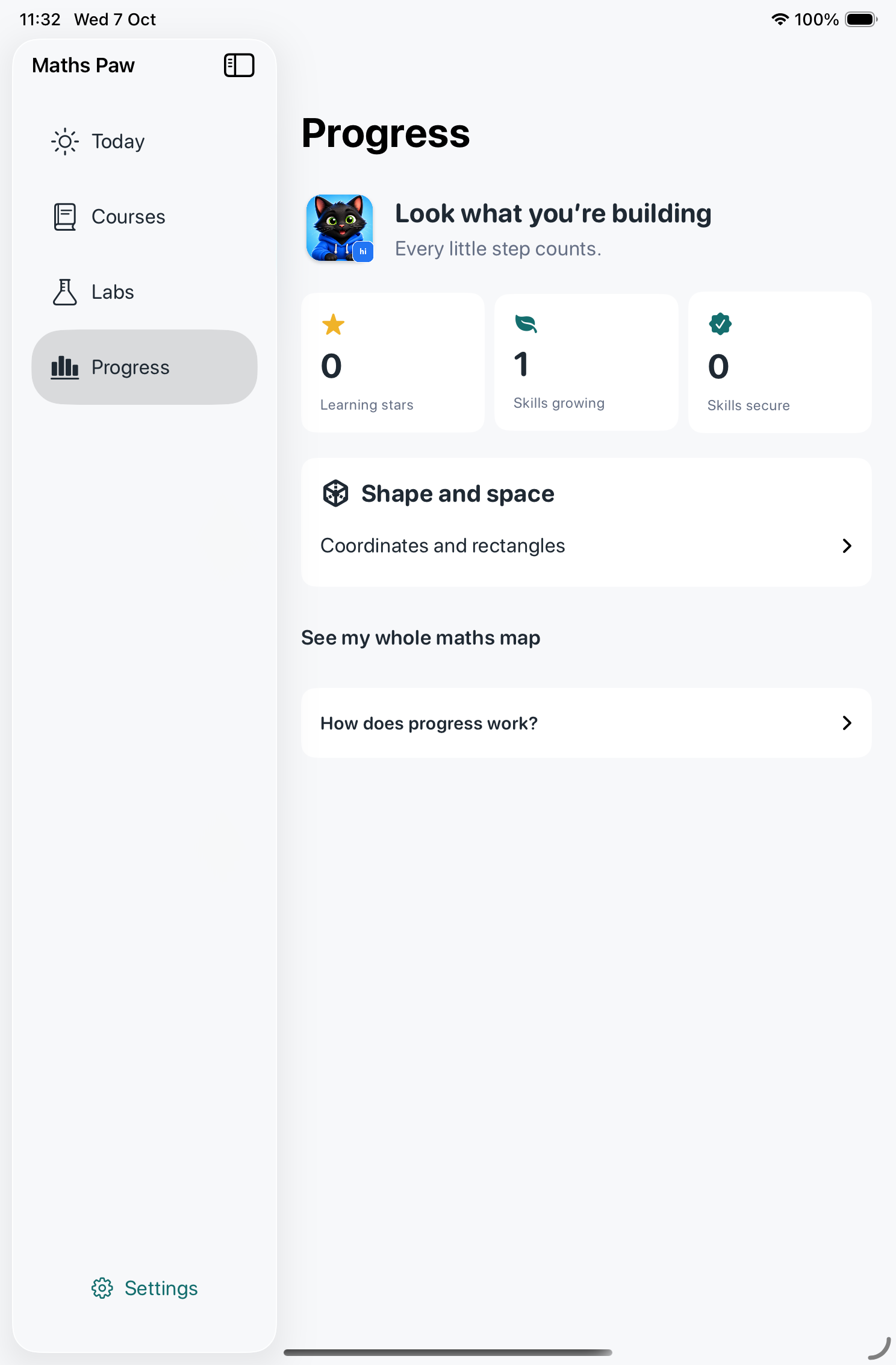
Coming soon for iPhone & iPadLook back at the ideas your child has tried and the skills they’re building. The app keeps answers completed with help separate from independent successes.
Stars celebrate participation. Checks help show what your child can do for themselves. That gives you a more useful starting point for a conversation.
Let your child talk through a diagram or a worked example. You don’t need to know the answer to be interested in their thinking.
Try a hint, go back to an example or take a break. Explanations stay available, and your child can save their place and return later.
Revisit a topic, practise a little and try a check again. Earlier attempts stay in their history, so a fresh attempt doesn’t erase the journey.
A short setup asks for your child’s age, an optional nickname and their maths interests. These choices shape their starting route and suggested activities.
The teaching bands are 7–10, 11–13 and 14+. Interests bring favourite topics forward, while earlier skills still guide which lessons are ready. Age and interests can be changed in Settings without losing progress.
After choosing an age and interests, your child is ready to learn. There is no account or extra setup to complete.
Settings lets you change age and interests or focus practice on skills already met in lessons. These choices can be changed at any time without losing progress.
Delete learning progress is also available in Settings and asks for confirmation before removing learning records and preferences.
Maths Paw supports one child per device. Their preferences, lesson history and progress stay there, with no online account, automatic transfer or iCloud sync.
Installed lessons and labs work offline. There are no ads, tracking SDKs or chat tutors in the app.
Read our privacy policy
Coming soon for iPhone & iPad.